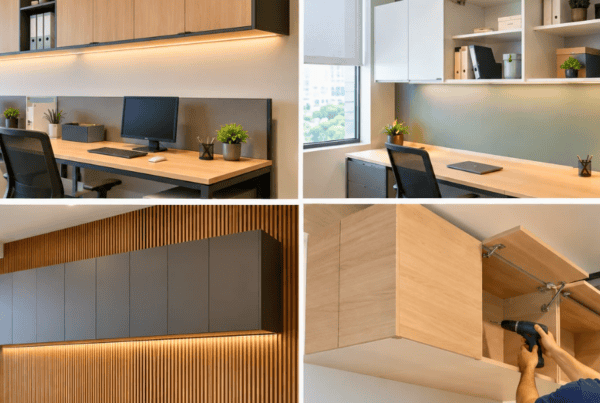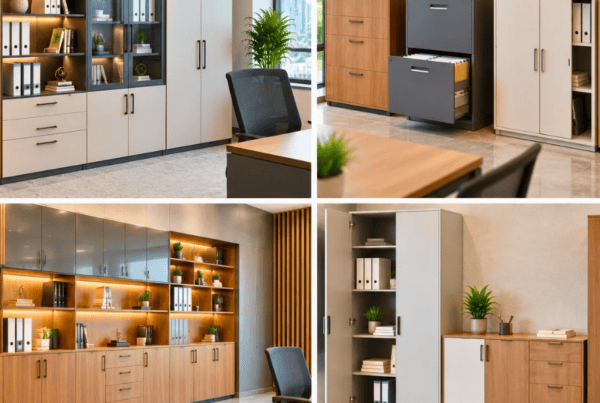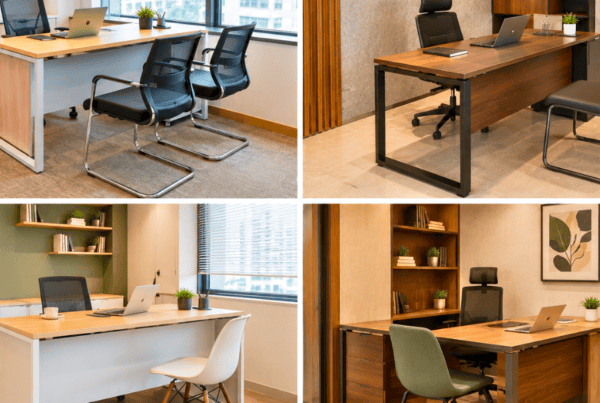
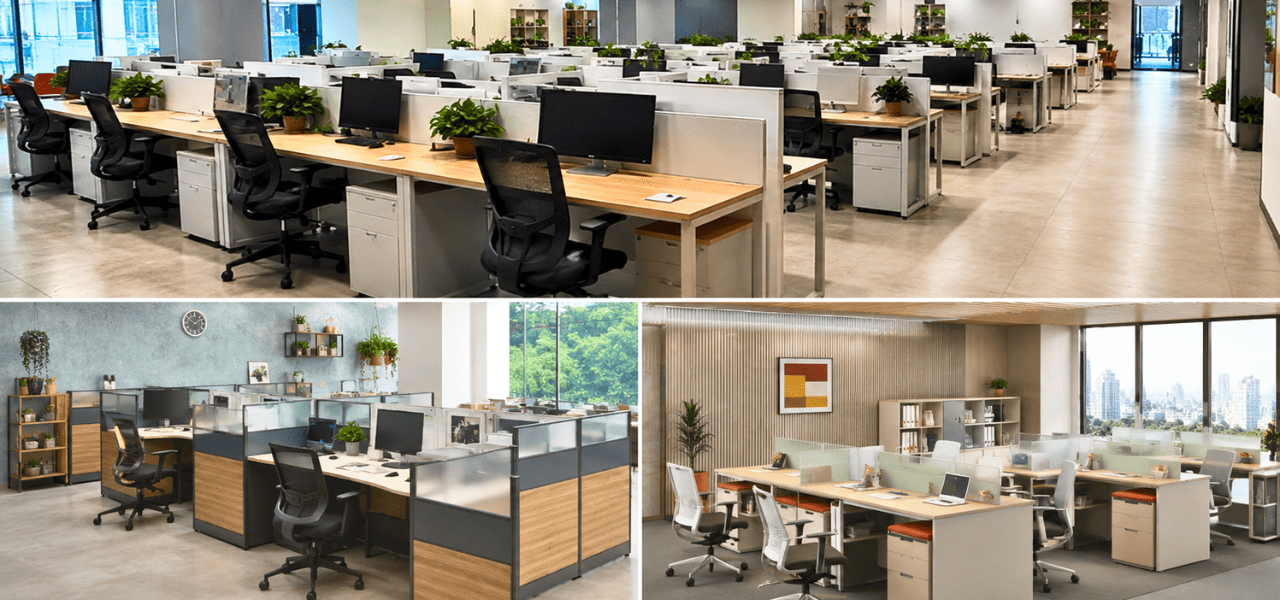
Offices don’t look the way they used to. The rigid rows of carpentered cabins and fixed partitions that once defined corporate spaces have given way to flexible, reconfigurable systems built around how teams actually work today. This shift isn’t just cosmetic, it reflects a deeper change in how organizations think about space, cost, and people.
At the center of this shift is modular office furniture: desking and partition systems designed to be assembled, disassembled, and rearranged without the time, mess, or expense of traditional carpentry. Choosing the right workstation type and layout isn’t a minor decision either. It directly affects how productive your teams are, how well they collaborate, how efficiently you use your floor space, and ultimately, how much you spend per employee on real estate and furniture.
This guide breaks down the major workstation types, desking configurations, and cubicle and partition layouts available for modern offices today, so you can make a confident, informed choice, whether you’re outfitting a 20-seat startup or a 500-seat corporate floor.
What Are Modular Workstations?
Modular office furniture refers to desking and storage systems built from standardized, interchangeable components, worksurfaces, partitions, legs, storage units, and cable management modules, that snap or bolt together in configurable arrangements. Unlike fixed carpentry, which is built in place and essentially permanent, modular workstations can be reconfigured, expanded, or relocated without tearing anything down.
The core benefit is simple: flexibility without waste. A cluster of four workstations today can be reconfigured into six tomorrow, or split apart entirely, as headcount and team structures change. This adaptability matters enormously for growing companies, agencies with project-based teams, and any organization that has learned, often the hard way, that office needs rarely stay static for long.
Beyond flexibility, modular systems tend to be faster to install, easier to maintain (individual components can be replaced rather than the whole unit), and more cost-efficient over the life of the furniture, since they don’t need to be scrapped every time the floor plan changes.
Types of Office Workstations
Not all workstations serve the same purpose. The right type depends on team size, work style, and how much privacy or interaction a role demands. Here are the main modular workstation types you’ll encounter when planning an office fit-out.
Linear (Inline) Workstations
Linear workstations arrange desks in straight, parallel rows, usually back-to-back or side-by-side along a shared spine of cabling and support legs. This is one of the most space-efficient modular workstation types available, which is why it’s a staple in call centers, data-entry teams, and other high-density environments.
Pros: Maximizes seating per square foot, simple to install, easy to scale by simply extending the row.
Best for: High-headcount teams doing largely independent, task-focused work where dense seating matters more than face-to-face interaction.
Cluster / Bench Workstations
Cluster or bench workstations group four to six desks together, typically facing each other around a shared central spine. This configuration naturally encourages conversation and quick collaboration, since teammates are always within arm’s reach.
Pros: Strong for teamwork and idea exchange, efficient use of shared cabling and storage, a more social feel than isolated desks.
Best for: Cross-functional teams, agile squads, and departments where frequent collaboration outweighs the need for quiet focus.
L-Shaped / Corner Workstations
L-shaped workstations use a corner configuration to offer significantly more surface area than a standard straight desk, useful for dual-monitor setups, physical documents, or simply more elbow room. They’re a popular choice for managers, designers, architects, and other roles that need extra desk real estate.
Pros: More usable surface area, better ergonomic flexibility, a slightly more premium feel than standard linear desking.
Best for: Design and creative roles, team leads, and anyone whose work requires spreading out across multiple screens or materials.
Panel-Based (Partitioned) Workstations
Panel-based workstations rely on a workstation partition system, vertical panels attached between or around desks, to create a defined personal zone with acoustic and visual privacy. These partitions come in a few common material variants:
- Fabric-wrapped panels, good acoustic absorption, softer aesthetic, common in general office use
- Laminate panels, durable, easy to clean, cost-effective for high-traffic environments
- Glass or glass-top panels, allow light to pass through while still marking personal boundaries, popular in modern, design-forward offices
Pros: Reduces visual and auditory distraction, gives each employee a clearly defined personal zone, panels can often be swapped or resized independently.
Best for: Teams doing focus-heavy work, or any office that wants a middle ground between fully open and fully enclosed seating.
Bench-Style Open Workstations
Bench-style open workstations strip partitions down to a minimum or remove them altogether, leaving long, shared worksurfaces. This is the layout most associated with startup and tech-company culture, visually open, informal, and built around constant, easy interaction.
Pros: Encourages spontaneous collaboration, cost-effective (fewer partition components), gives a bright, open feel to smaller floor plates.
Best for: Startups, agencies, and collaborative cultures where openness and speed of communication matter more than individual privacy.
120-Degree / Curved Workstations
These workstations angle desks at 120 degrees to form triangular pods, usually seating three people per cluster. The angled geometry is highly space-efficient and creates a distinct, slightly softer visual identity than straight-edged desking.
Pros: Efficient use of floor area for mid-sized teams, ergonomic angling reduces the “back-to-back” feel of linear rows, visually distinctive.
Best for: Mid-density teams that want some of the collaborative benefits of clustering without sacrificing too much personal space.
Executive / Cabin-Style Workstations
Executive workstations feature higher partitions or semi-enclosed structures, sometimes bordering on a small private cabin. They’re typically reserved for leadership, senior management, or roles that regularly involve confidential calls and documents.
Pros: Greater privacy and status signaling, quieter working environment, room for additional storage and meeting-adjacent furniture.
Best for: Leadership teams, HR, finance, and other roles that need confidentiality as a baseline requirement.
Cubicle & Partition Layout Styles
Beyond individual workstation types, the way those workstations are arranged across a floor, the overall cubicle and partition layout, shapes the office’s culture and functionality just as much as the furniture itself.
Open-Plan Layout
No or minimal partitions, with desks arranged to maximize sightlines and interaction. This layout puts collaboration first and works well when teams need to communicate constantly and informally.
Semi-Closed Cubicle Layout
Mid-height workstation partition panels strike a balance between focus and visibility, employees get a defined personal zone without feeling boxed in or cut off from the rest of the floor. This is often the most versatile layout for general office use.
Closed Cubicle Layout
Full-height partitions create maximum privacy and acoustic separation. This layout suits data-sensitive teams, BPOs, legal or compliance departments, and any function where confidentiality and minimal distraction are priorities.
Hybrid Layout
A mix of open desking, partitioned pods, and dedicated meeting or focus zones. Hybrid layouts have grown significantly in relevance in the post-hybrid-work era, as organizations look to accommodate both collaborative team days and heads-down individual work within the same floor plate.
Workstation Type Comparison Table
| Workstation Type | Best For | Team Size | Privacy Level | Space Efficiency |
| Linear (Inline) | High-density, task-focused teams | Large | Low | Very High |
| Cluster / Bench | Collaborative, cross-functional teams | Small–Medium (4–6) | Low–Medium | High |
| L-Shaped / Corner | Creative roles, managers | Individual | Medium | Medium |
| Panel-Based | Focus-heavy work | Any | Medium–High | Medium |
| Bench-Style Open | Startups, agile cultures | Small–Large | Low | High |
| 120-Degree / Curved | Mid-density teams | Small (pods of 3) | Medium | High |
| Executive / Cabin-Style | Leadership, confidential roles | Individual | High | Low |
How to Choose the Right Workstation Desking & Layout for Your Office
There’s no universal “correct” answer here, the right workstation desking and layout depends on several practical factors specific to your organization:
- Team size: Larger teams often benefit from linear or cluster desking for density; smaller teams have more room to prioritize comfort and privacy.
- Floor plate / area available: Space-constrained offices should lean toward space-efficient configurations like linear or 120-degree pods.
- Nature of work: Collaborative, fast-paced teams thrive in open or cluster setups; focus-heavy or confidential work calls for panel-based or closed cubicle layouts.
- Budget: Open and linear layouts generally cost less per seat than heavily partitioned or executive setups.
- Acoustics and privacy needs: Call-heavy teams or compliance-sensitive departments should prioritize partition height and material.
- Future scalability: Modular systems make it easier to grow or restructure later, so consider how easily a layout can expand.
A short checklist can help narrow things down quickly:
How many people need seating today, and in 12 months? Is the work mostly independent or collaborative?
Does confidentiality matter for this team?
What’s the budget per seat?
Answering these four questions alone will usually point you toward two or three viable layout options.
Why Modular Office Furniture Is the Smarter Choice
Modular office furniture consistently outperforms traditional fixed carpentry on the factors that matter most to growing organizations:
- Reconfigurability: As teams grow, shrink, or restructure, modular workstations can be rearranged rather than replaced.
- Faster installation: Modular systems are pre-engineered for assembly, cutting installation time dramatically compared to on-site carpentry work.
- Sustainability: Because components can be reused and reconfigured rather than discarded, modular office furniture generates significantly less waste over its lifecycle, an increasingly important consideration for organizations tracking their environmental footprint.
This is also where manufacturing quality becomes a genuine differentiator rather than a marketing line. Vlite Furnitech operates a 30,000 sq. ft. manufacturing facility in Patalganga, near Navi Mumbai, with a production capacity of roughly 14,000 workstations per month, and delivery capability across India through branches in Mumbai, Pune, Ahmedabad, Surat, and Hyderabad. The facility is BIFMA-compliant, ISO 9001:2015 certified, and built to LEED standards, credentials that reflect both product safety/durability standards and manufacturing sustainability, not just scale for its own sake.
Still comparing modular, bespoke, and traditional office furniture?
Let Vlite Furnitech LLP help you choose the smartest investment for better ROI.
FAQs
What is the difference between a workstation and a cubicle?
A workstation refers to the desk and immediate work surface itself, while a cubicle refers to the partitioned enclosure, typically using workstation partition panels, that surrounds it. A workstation can exist without a cubicle (as in open-plan setups), but a cubicle always contains a workstation.
Which workstation type is best for a small office or startup?
Bench-style open workstations or cluster/bench configurations tend to work well for startups, since they maximize collaboration, keep costs down, and don’t require heavy partitioning investment for a small headcount.
What is a workstation partition made of?
Common materials include fabric-wrapped panels (for acoustic absorption), laminate panels (durable and low-maintenance), and glass or glass-top panels (for a more open, light-filled feel while still defining personal space).
How much space does one workstation typically require?
This varies by type and layout, but a general planning range is 40–60 sq. ft. per seat for standard linear or cluster desking, with executive or cabin-style workstations requiring more.
Are modular workstations cost-effective compared to fixed furniture?
Generally yes, while the upfront per-unit cost can be comparable, modular systems save significantly over time through reconfiguration (rather than replacement), faster installation, and reduced downtime during office moves or restructures.
Making the Right Choice for Your Workstation
There’s no single “best” workstation type or cubicle layout, the right choice depends on your team size, work style, privacy needs, and growth plans. What modular office furniture offers is the flexibility to mix layouts, adjust as your organization evolves, and avoid the sunk costs of traditional carpentry every time your floor plan changes.
If you’re planning a new office fit-out or reworking an existing floor plate, it’s worth working with a team that understands both the design and manufacturing side of the equation. Connect with Vlite Furnitech’s design team to put together a customized workstation and layout plan suited to your space, team, and budget, explore our modular workstation range, browse workstation partition options, or learn more about our Patalganga manufacturing facility to see how it all comes together.

Vishnu Sharma
I am the co-founder and CEO of Vlite Furnitech, creating modular office solutions since 2009. With a background in Chemistry and Marketing, and experience as Regional Head at Featherlite, I help design ergonomic, adaptable, and sustainable workspaces. Alongside a team of 120+, we serve corporates like JCB, Just Dial, KFC, and educational institutions. Let’s connect to reimagine innovative, eco-friendly office environments.